- HTML 100%
| assets | ||
| images | ||
| mods | ||
| .gitignore | ||
| fake-release-notes.html | ||
| LICENSE | ||
| README.md | ||

Resources used in the fake 3.28 beta post
The post: Split screen, finally! (3.28 Beta)
Additional comments:
- It's real! I think beta rolls out in stages so not everyone gets the update at the same time.
- PDFs work too.
- Sorry for the lighting, it's getting late here.
Release Notes
File: fake-release-notes.html
All text formating was recreated from existing release notes (3.26 beta).

Fonts
Both fonts are from remarkable.com.
curl -Lfo ./assets/reMarkableSerif-Variable_V1.2.woff2 \
    https://cdn.sanity.io/files/xpujt61d/production/f75f89732cba9023fa578d7fd28666798de505d0.woff2
curl -Lfo ./assets/reMarkableSans-Variable_V1.2.woff2 \
    https://cdn.sanity.io/files/xpujt61d/production/227f58180ac8527c16669879375e917f9d5ab6e4.woff2
Tablet
Image based on two halves from 3.24 release notes:
 |
 |
Cropped:
 |
 |
Combined:

Background removed with Photopea:

Toolbar & Close Button
Based on an actual screenshot:

Cropped:
 |
 |
Documents
The left image is based on an picture of the rM Paper Pure:
https://remarkable.com/products/remarkable-paper/pure#section-4
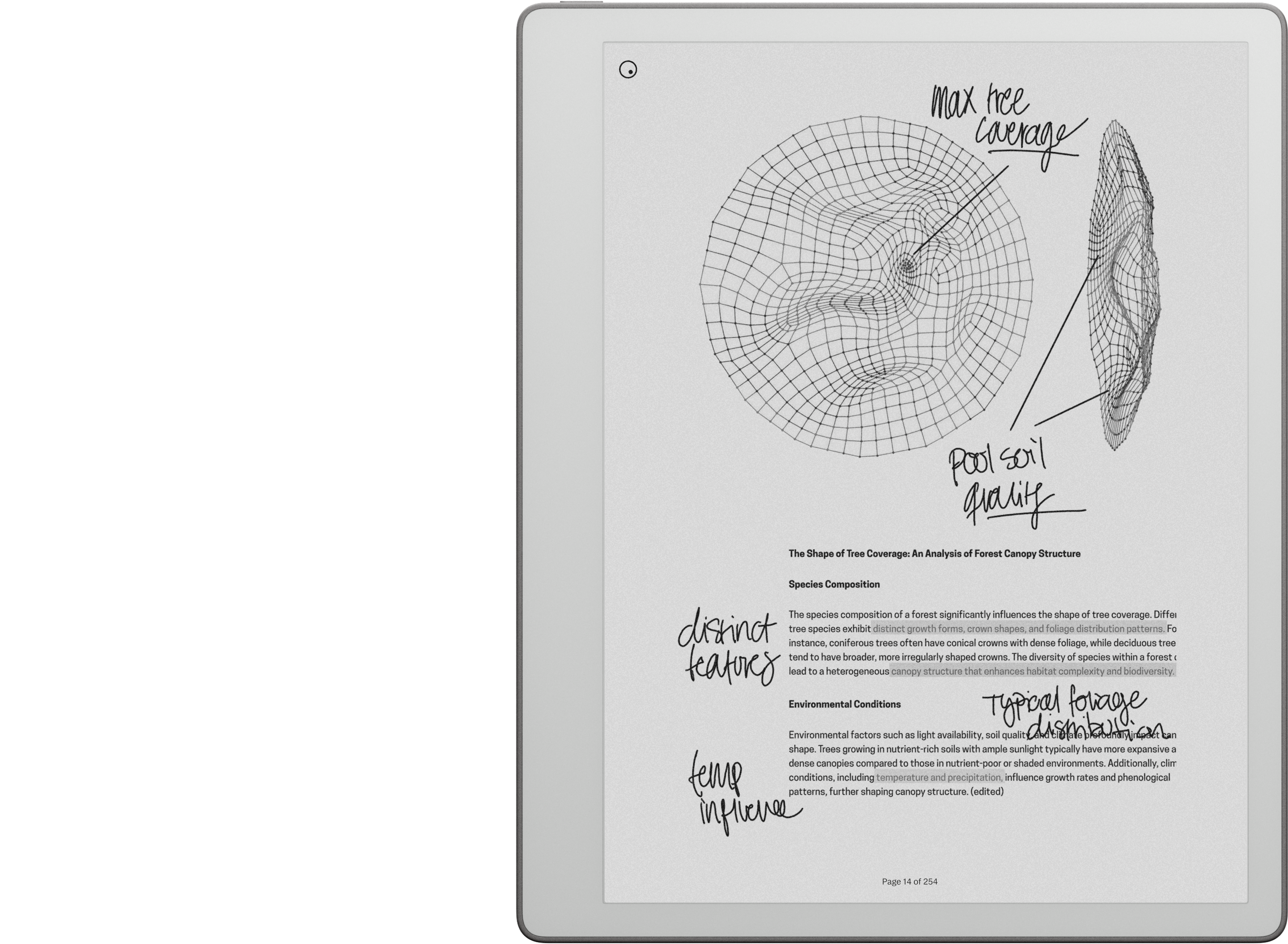
The right image is based on an picture of the rM Paper Pro:
https://remarkable.com/products/remarkable-paper/pro/details/compare
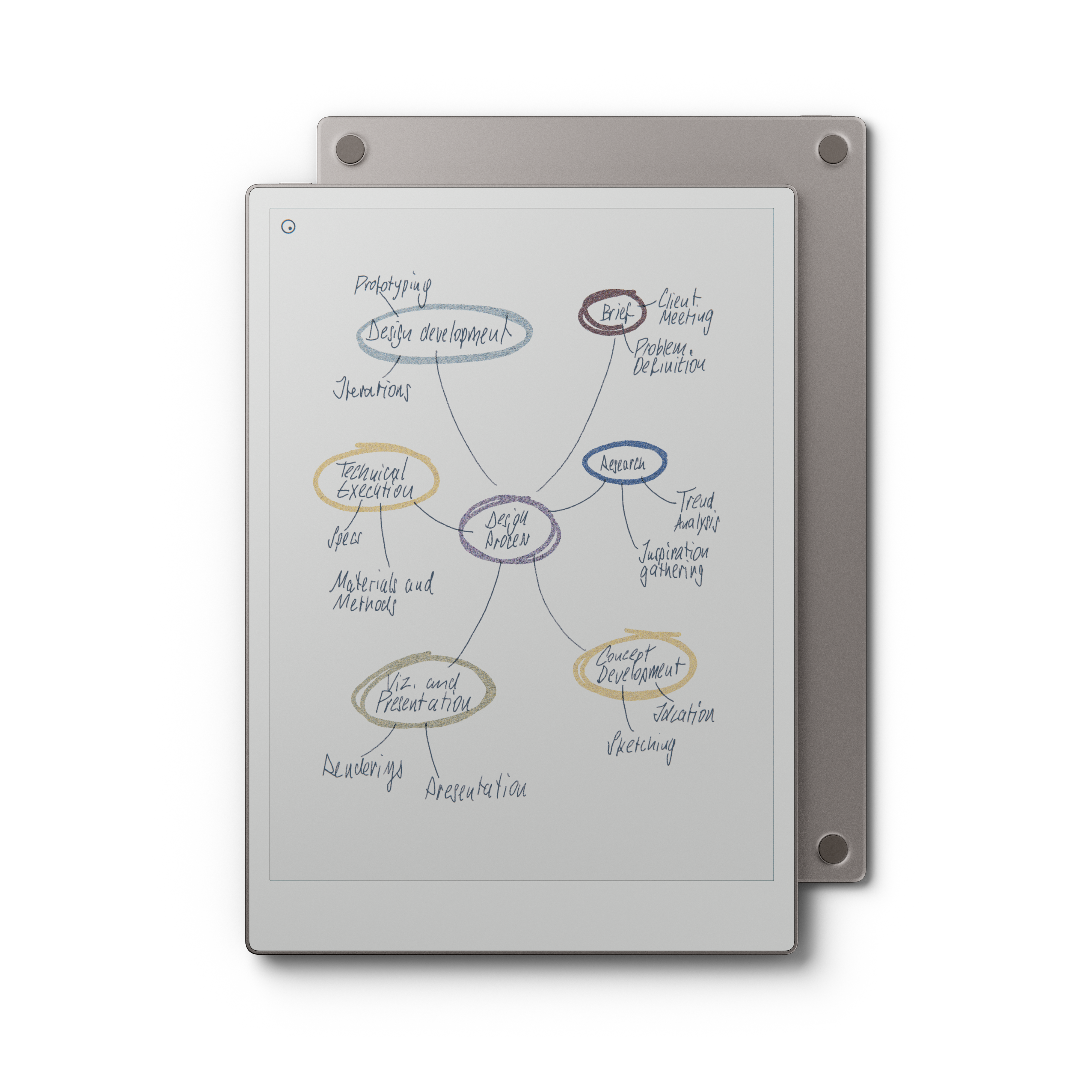
Both were cropped, resized, and modified to make the background color closer to white:
 |
 |
Settings page
Used qt-resource-rebuilder with 2 custom mods:
- replaceReleaseNotes.qrr -- replaces the release notes image with
/home/root/fake-release-notes.png - spoofSoftwareVersion.qmd -- changes the version shown in the settings menu to 3.28.0.112
Both were tested on 3.24.0.149.
 |
 |
 |
Functionality
Used rm-hacks-qmd (pre4 for 3.24) with two changes to make it look like the stock UI.
Downloaded and extracted:
curl -Lfo /tmp/rm-hacks.tar.gz https://github.com/asivery/rm-hacks-qmd/archive/refs/heads/master.tar.gz
tar -xzf /tmp/rm-hacks.tar.gz rm-hacks-qmd-master/0.0.11-pre4
Removed the gray padding in split screen:
sed -i 's/0\.2/0.0/g' rm-hacks-qmd-master/0.0.11-pre4/rmHacks/split_doc/split_doc_main.qmd
Removed the ToC button from the toolbar:
sed -i 's/^LOAD rmHacks\/table_of_contents_button_hack\.qmd$/; LOAD rmHacks\/table_of_contents_button_hack.qmd/' \
    rm-hacks-qmd-master/0.0.11-pre4/zz_rmhacks.qmd
In rM Hacks settings, disabled everything except:
- Toolbar Configuration > Document-level toggle buttons
- Document Configuration > Split Document
Used the toggle buttons to disable the toolbar clock.
 |
 |
Note
The original release notes used in the post were made in Figma. Later, they were ported to HTML to be published here.